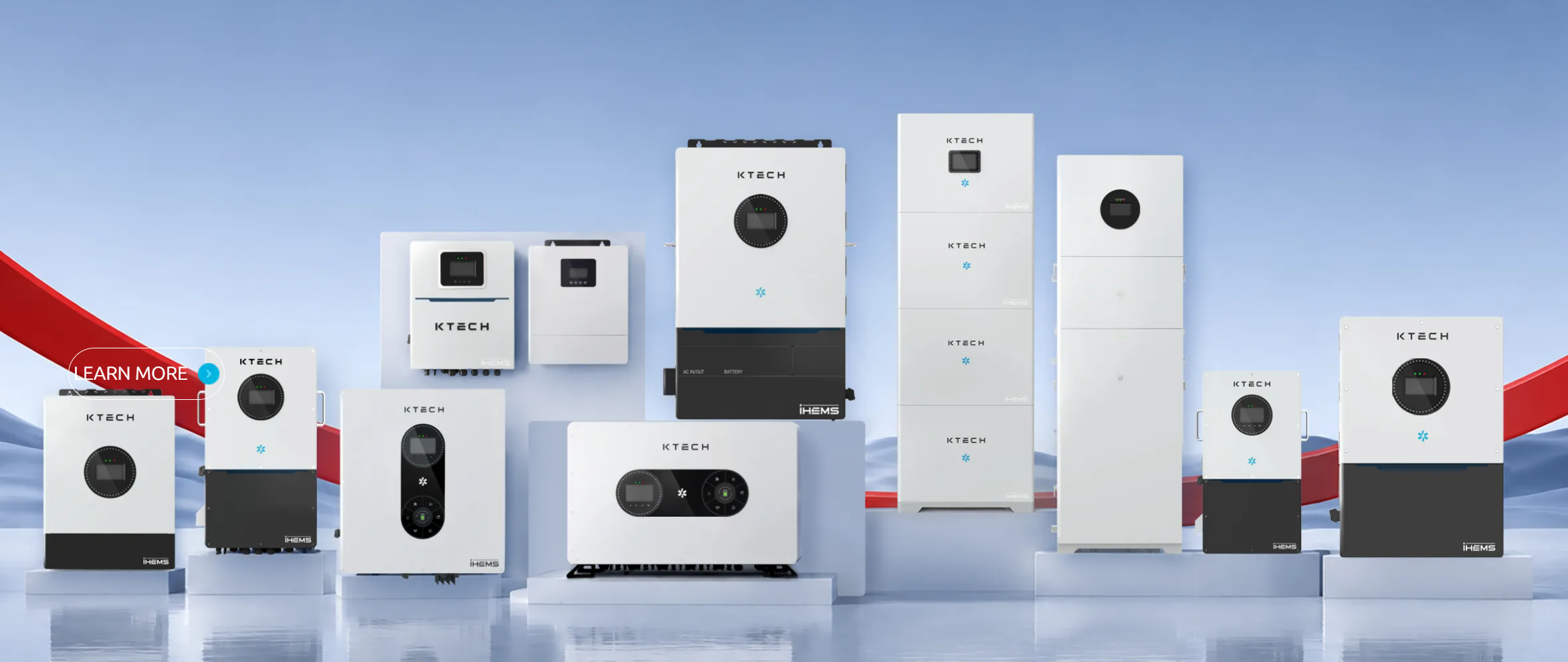
Start here — what you need and why an inverter matters
You want power that’s reliable, bills that drop, and equipment that’s not a mystery. Think of the inverter as the home’s translator: it turns DC from panels into the AC your appliances understand. If you’re pairing an inverter with a home energy management system, you gain control over when and how that power is used—so your solar investment works around your life, not the other way round.
How an inverter actually serves your household
Here’s the practical sequence you’ll notice: panels produce DC → inverter converts DC to AC → inverter synchronizes with the grid (or battery) → inverter reports production and status. That reporting piece is crucial for everyday decisions: when to run the washing machine, when to charge an EV, when to island the house during an outage. You don’t need the electrical theory, you need the outcomes: steady voltage, safe switching, and accurate performance data.
Key features to look for
Pick features that remove friction and give you predictable results. Focus on:- Reliable grid synchronization and anti-islanding protection so the inverter behaves safely around utility power.- Clear, accessible monitoring and alerts for faults.- Battery compatibility and charge management if you plan to add storage.- Efficiency ratings at real-world loads, not just peak numbers.- Remote firmware updates and secure communications so your system stays current without a service call.
Everyday benefits you’ll actually feel
Homeowners report these tangible improvements when the inverter is right for their needs:- Lower daytime energy bills because self-consumed solar replaces grid purchases.- Fewer surprise outages when paired with battery-enabled inverters.- Simpler maintenance when monitoring shows problems early.- Better planning for electric vehicle charging and major loads because you can see production curves in plain numbers.
Limitations and common mistakes to avoid
An inverter isn’t magic. Expect honest trade-offs:- Oversizing panels relative to the inverter may waste peak production.- Buying the cheapest unit often costs more in downtime and replacement parts.- Assuming all inverters play well with batteries or smart home gear—compatibility varies.- Ignoring monitoring data: small issues grow if you don’t act on alerts.I’ve seen installers and homeowners repeat these errors enough times while working across California’s rooftop solar market to know they’re avoidable with straightforward checks.
Monitoring, maintenance, and the role of a solar monitoring system
Monitoring turns an inverter from a black box into a tool you can use. A good solar monitoring system gives hourly production, fault histories, and performance ratios so you can compare expected versus actual output. Regular tasks that save money:- Verify inverter firmware is current.- Check string voltages and fault logs monthly.- Clean PV modules when production drops noticeably.- Log unusual events so a technician can diagnose quickly.These steps keep small issues from becoming expensive failures.
How to choose the right inverter for your situation
Match the inverter to how you live, not just to panel specs. Ask:- Do you want backup power or only export to the grid?- Will you add batteries later?- Do you need integrated monitoring or will a separate platform do?Get quotes that list compatibility, warranty terms, and replacement parts. If you rent or plan upgrades, favor modular designs that let you swap components without rewiring the whole array.
Final, caring note on value and next steps
If you want straightforward performance, choose an inverter that gives you clear data, dependable switching, and easy serviceability. That sensible combination is what I look for when I assess systems and what brings steady satisfaction to homeowners; it’s the same practical standard you’ll find discussed by Ktech when checking setups against everyday needs.