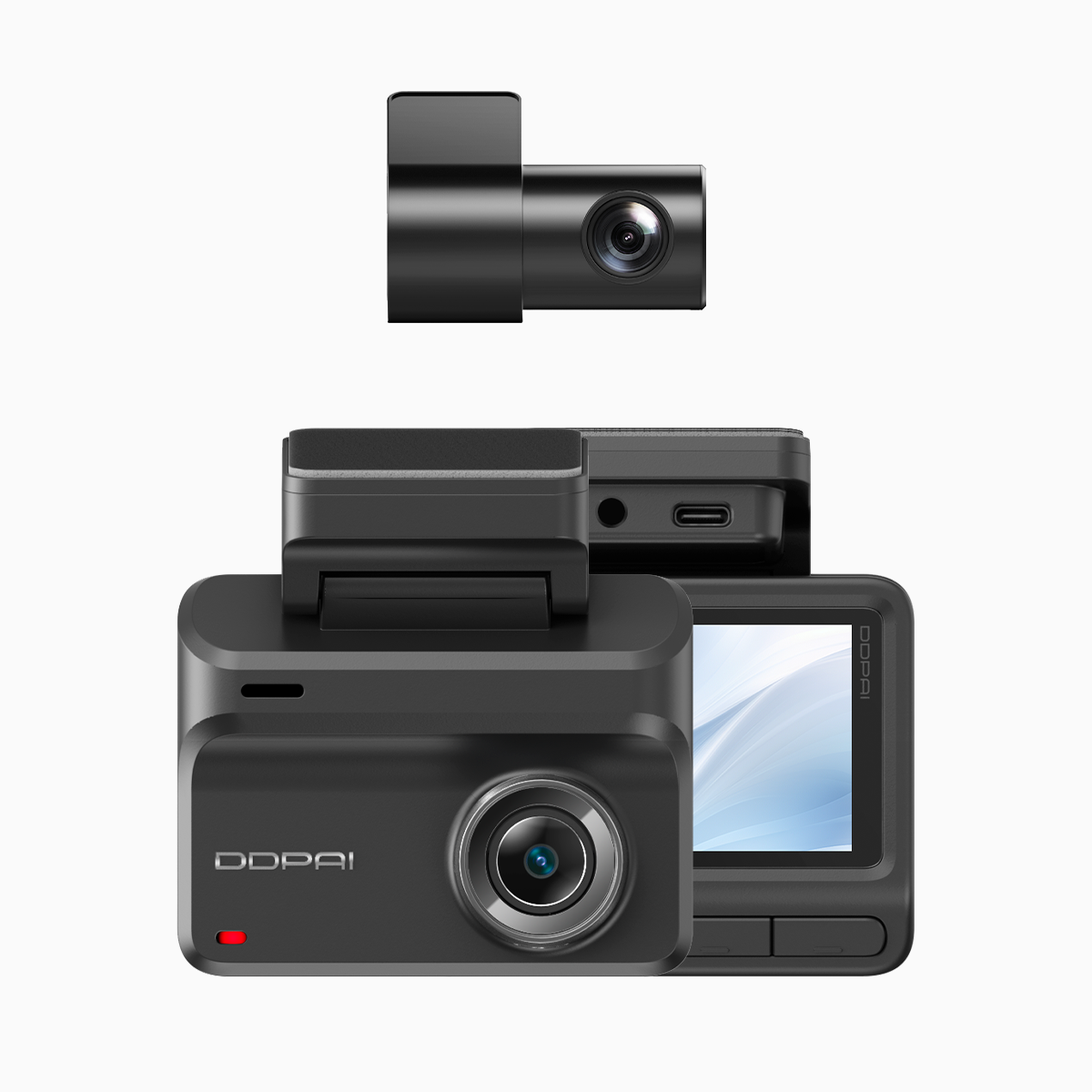
The problem fleet owners face
Fleet folks lose footage for simple reasons: sensors too twitchy, or they ain’t sensitive enough when a real wreck happens. That costs time and money, and road safety matters — road crashes kill about 1.3 million people worldwide every year, so getting reliable evidence matters for drivers and managers alike. Start small. You can save headaches by picking a decent wifi dash cam and making its G‑sensor and emergency video locking behave smart. A good car dash cam with wifi gives you quicker pulls of footage when it counts.

Root causes and the tech bits
Most of the trouble sits in three places: sensor settings, mounting, and storage management. The G‑sensor reads acceleration; event detection triggers emergency video locking when a threshold is hit. Mount the unit crooked and the sensor reads gravity wrong. Set sensitivity too high and every pothole locks a file. Too low and true impacts slip past. Firmware age, SD card health, bitrate settings, and loop recording length all play a role.
Step-by-step fixes that work on a budget
Do this in order, and keep notes on each truck or van.
– Calibrate the G‑sensor after mounting. Drive a short, steady stretch at normal speed, then follow the camera’s calibration routine or reset it in firmware. That aligns the axis and cuts false triggers.
– Pick a middle sensitivity. Start at 3 of 5, then test with controlled bumps. Raise one notch if small hits are missed; drop one if you’re drowning in locks. Keep event detection consistent across the fleet.
– Adjust parking mode separately. Use motion detection plus low‑speed thresholds for parking mode, and enable buffered pre‑record if available so the camera keeps the seconds before an impact. This avoids losing context for emergency video locking and helps with insurance claims.
– Set loop recording and file length to balance storage and evidence value. Bigger files at high bitrate give clearer license plates but fill cards fast. Consider 1–2 minute event files and moderate bitrate for long-duty vehicles.
– Update firmware and replace worn SD cards on a schedule. Corrupt media and old firmware are invisible thieves of footage.
Practical tests and what to watch for
Run these checks each week for new installs: a slow braking test, a curb nudge, and parking motion test. Log which maneuvers trigger emergency locks and which do not. If a camera locks for gentle speed bumps, dial the G‑sensor down. If it misses a proper hard stop, raise it. Keep records per vehicle — you’ll spot patterns fast.
Common mistakes and sensible alternatives
Don’t assume the factory setting fits your roads. A city fleet on cobbled streets needs different tuning than a highway hauler. People try to beat storage limits by dropping resolution, but that can make plates unreadable — a higher bitrate at shorter loop files often works better. For cheap fleets, using a unit with Wi‑Fi for quick file pull is a smart time-saver; it avoids swapping SD cards and speeds up evidence retrieval.
Also, avoid overrelying on motion detection alone. Motion flags can be noisy in windy parking lots — add shock detection as a filter. And keep a spare camera or spare SD card in the van trunk. It saves a day of downtime.
Three golden rules to judge your setup
1) Consistent trigger accuracy: Measure how many true incidents the system locks versus false locks over a month. Aim for high true-positive ratio with low false positives.
2) Retrieval speed: Time how long it takes to get locked footage into the hands of a manager or insurer. Wi‑Fi enabled units that let you download event clips on site shorten that time dramatically.
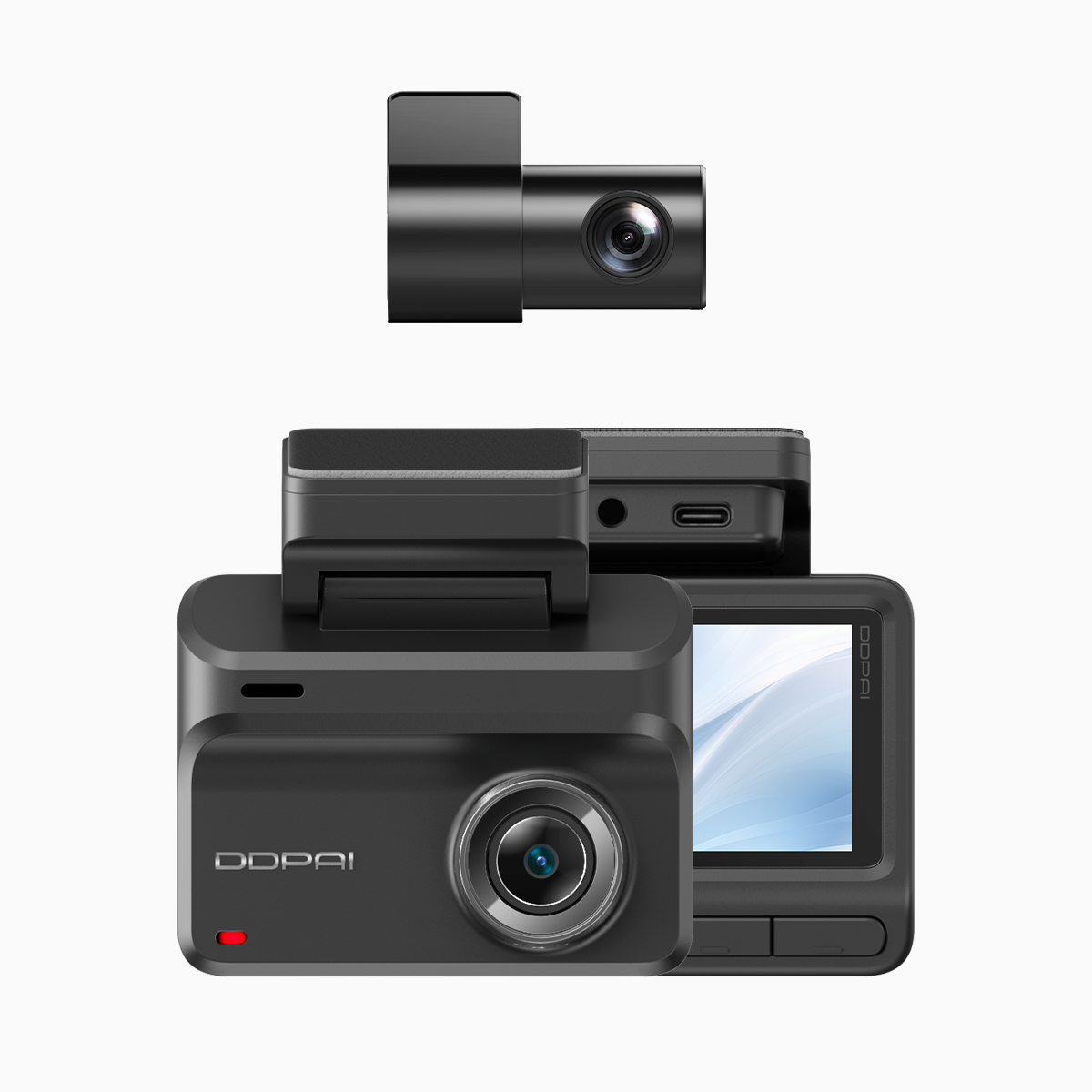
3) Evidence clarity: Check plate and face legibility at typical crash distances. If bitrate or resolution keeps you guessing, adjust settings or pick a model that balances 4K clarity and usable file sizes.
Use these metrics to compare models and to tune each vehicle in the fleet. Practical results beat pretty specs every time, and for hands-on fleet folks, reliability is the real ROI — which is why many turn to sensible partners like DDPAI Philippines for proven hardware and local support — solid gear that just works on the road.
—